

Сообщество может включаться в blocks terms or glossaries. After inclusion, you can hover over a word in the post to see its definition and make it a term, it will be underlined and you can click on it to go to the glossary.
To use it, you need to first go to the community settings (you can create new or moderate), then go to the "Categories and labels" section and put a checkmark next to the "Glossary" item.
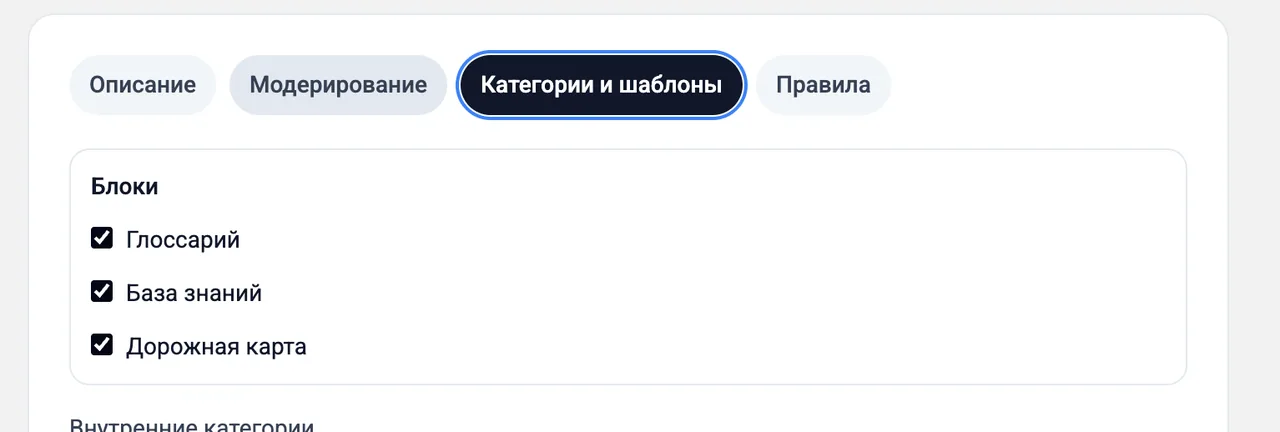
After this, in the post editor, a single block appears. If you click on it, then administrators and moderators will be able to publish terms.
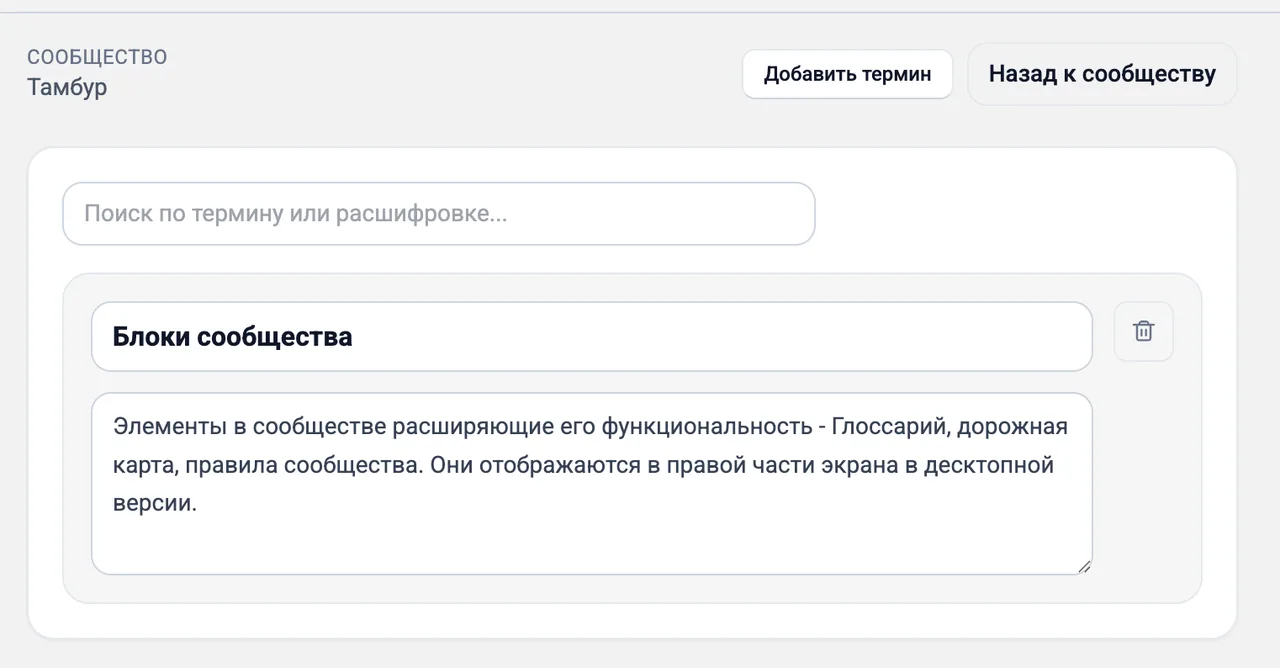
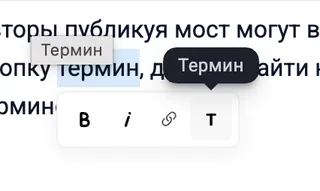
Authors of the publication can hover over a word and click on the term button, then find the desired term and make it a term.
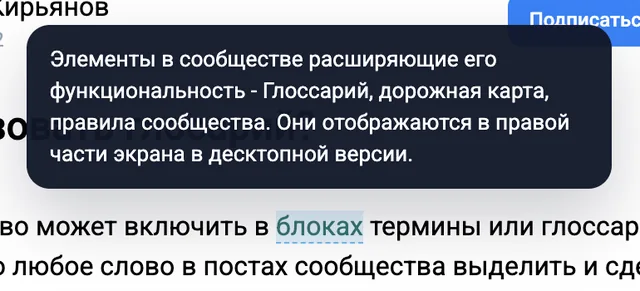
After this, any user when hovering over the term will see its definition.
Comments
0No comments yet.
Sign in to join the discussion.