
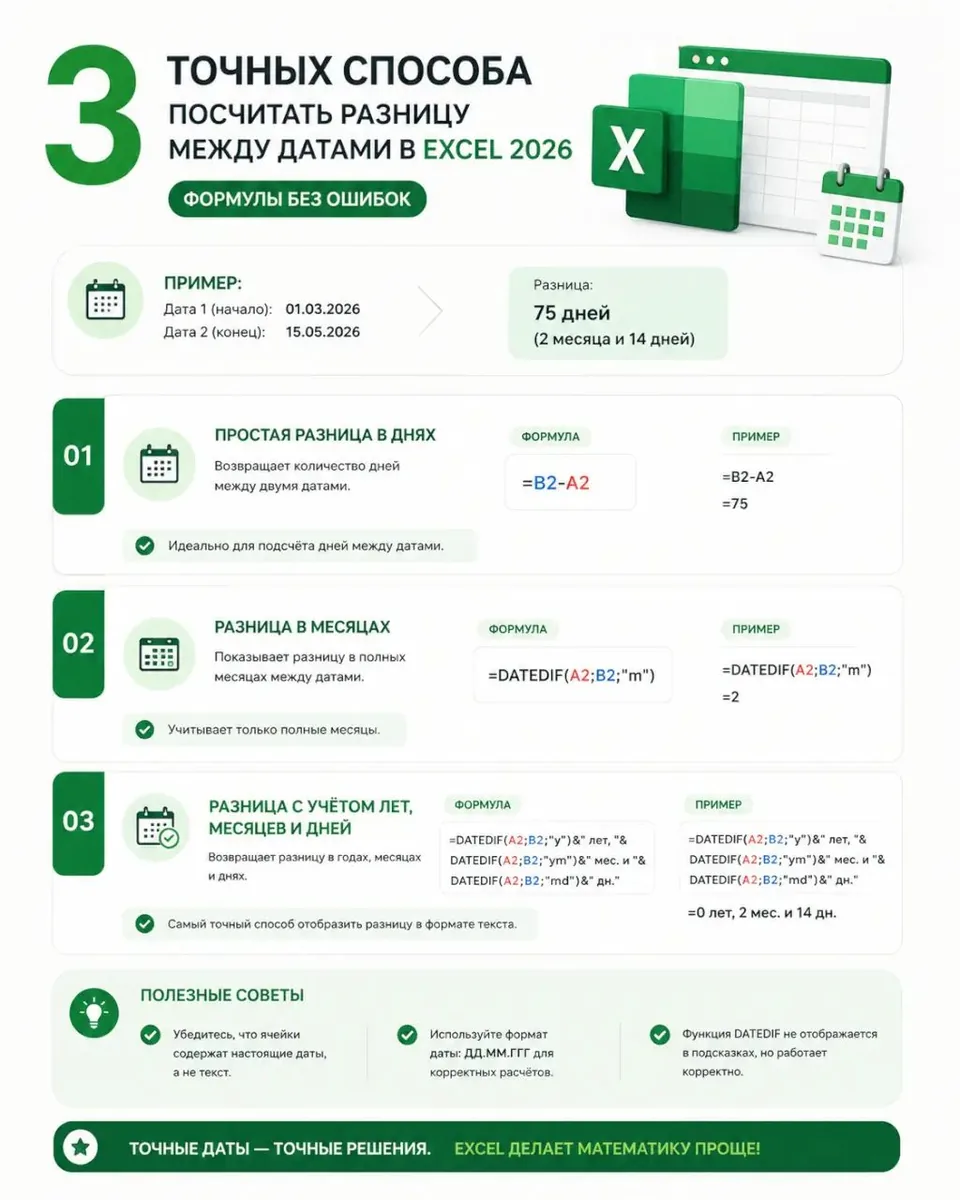
Use the DATEDIF function. The formula =DATEDIF(A2; B2; "D") returns the difference in days, "M" in months, "Y" in years.
Important: if you need only working days, use NETWORKDAYS and specify the holiday range as the third argument.
If errors occur, check the cell format (Ctrl+1 → "Date"). A common problem is calculating the average when the data contains zeros and errors. How to calculate average in Excel without zeros and errors — we break down the exact formulas.
🔗 Source: excel.rf
Commentaires
0Aucun commentaire pour le moment.
Connectez-vous pour participer à la discussion.