
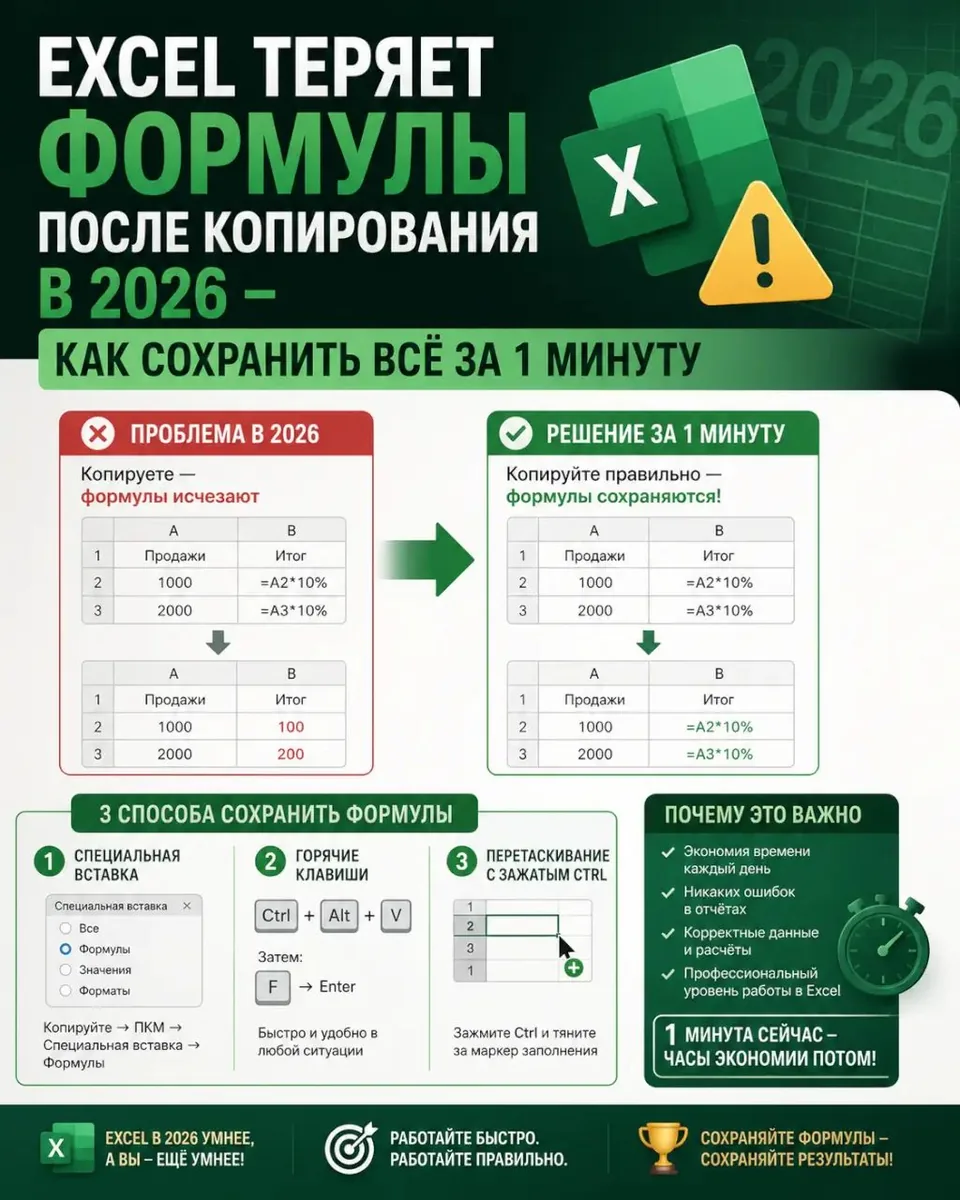
The problem lies in relative references and loss of links to other sheets in the source workbook.
Use "Move or Copy" via the sheet tab's context menu. In the dialog box, select the target file and check "Create a copy". This preserves formulas, but they will remain linked to the source workbook.
For a fully independent copy, first replace key references with absolute ones (using the $ symbol), then paste the data as values. If you encounter the #REF! error after transferring data, a detailed breakdown of this and other errors is available in the guide.
🔗 Source: excel.rf
Comments
0No comments yet.