
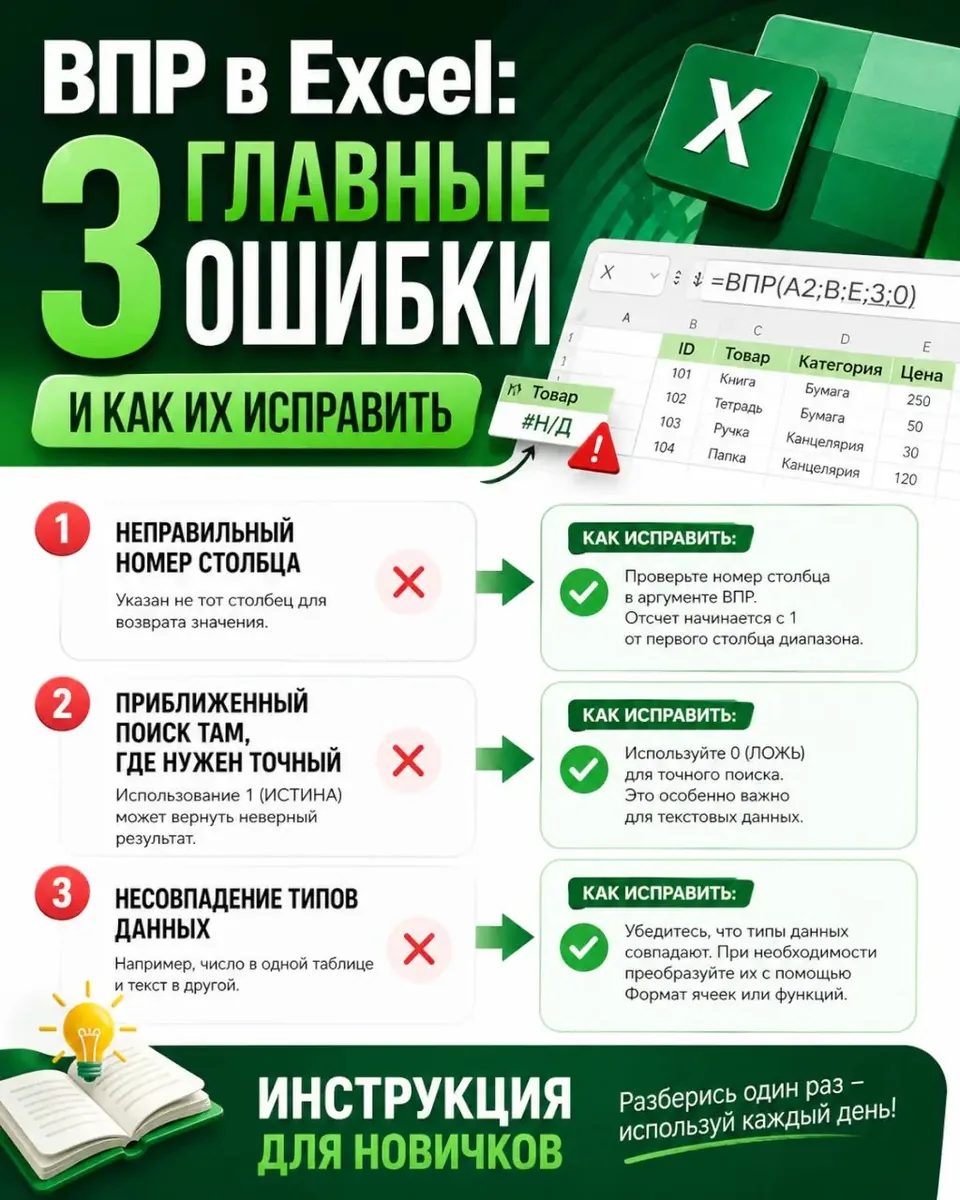
VLOOKUP in Excel returns #N/A error — how to fix?
Most often, this is due to extra spaces or different formats (number/text). Use TRIM() inside VLOOKUP: =VLOOKUP(TRIM(D2); $A$2:$B$100; 2; FALSE).
The lookup column (e.g., article number) must be the leftmost in the range, and the range itself must be fixed with absolute references.
For an exact match, the last argument should always be FALSE. If you need to search from right to left or handle errors flexibly, explore the modern alternative — the XLOOKUP function and its analogs in Excel.
🔗 Source: excel.rf
Comments
0No comments yet.
Sign in to join the discussion.