
✍️ WHAT ELSE DOES AN AUTHOR NEED BESIDES “TALENT AND INSPIRATION”?
Today, strong authors have a whole set of tools — for drawing, scripting, 3D backgrounds, brushes, cropping for phone screens, and uploading to platforms. In this sense, modern webtoons and digital comics are more like a small digital studio at home.
📈 How the author's toolkit evolved
The old way was: paper, scanner, Photoshop, manual cropping, lots of routine. Then came the era of specialized comic tools: Japan's Clip Studio Paint grew out of Manga Studio and expanded globally from 2012, and Procreate from 2011 turned the iPad into a proper artist's workstation. Then things got even more interesting: tools integrated 3D, material libraries, export for long vertical formats, and even direct upload to platforms.
👨💻 What authors actually use now
Today, authors have several “workhorses”:
• Clip Studio Paint is arguably the main comic tool: it has a long canvas, panels, text, 3D, comic functions, and a huge library of materials.
• Adobe Photoshop is still relevant.
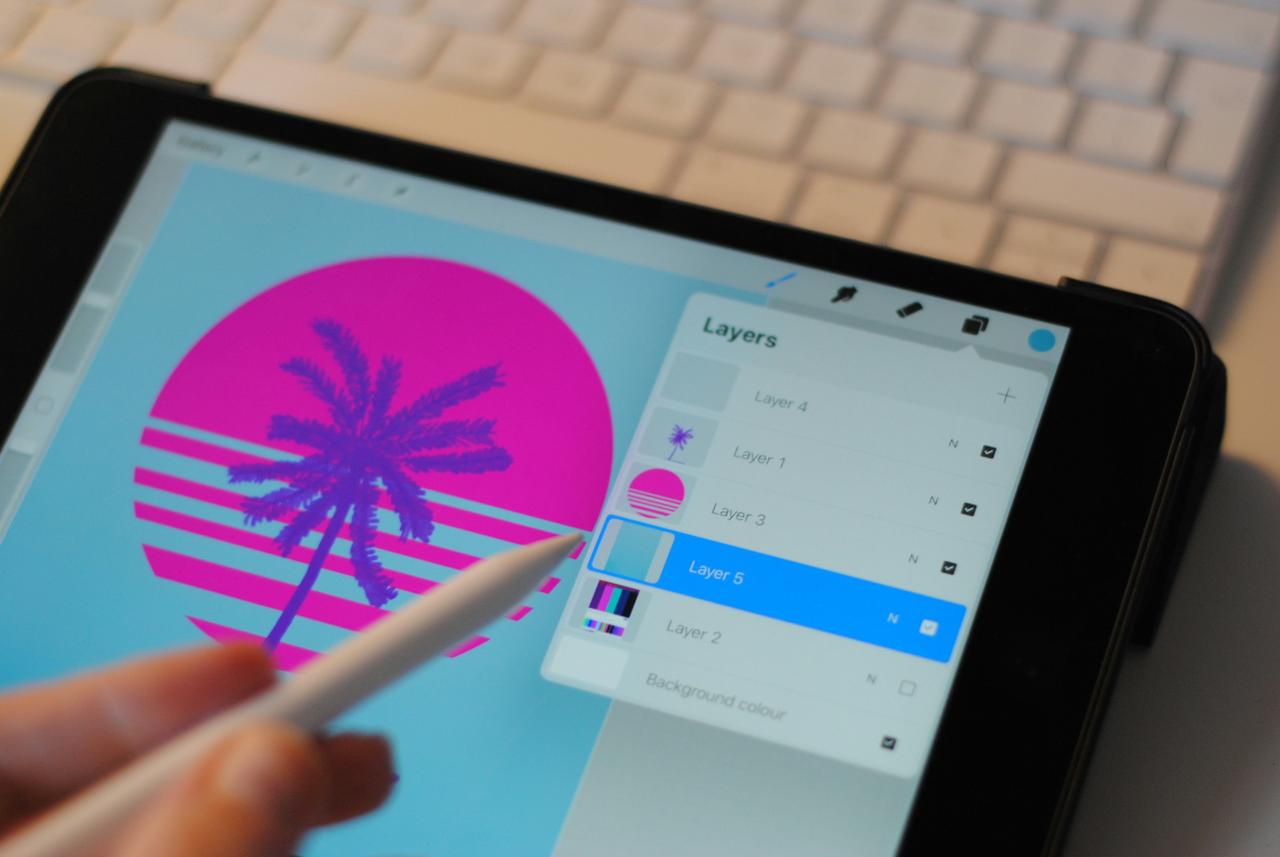
• Procreate is a favorite among iPad authors, especially when they want a more “live” hand-drawing feel.
• ibisPaint, MediBang Paint, Krita, and PaintTool SAI often come up, depending on budget, device, and habits.
✍️ Where authors get brushes, backgrounds, and 3D
• In Clip Studio Assets, you can download and purchase brushes, patterns, 3D objects, and other materials; users themselves upload their sets, sometimes paid, sometimes free. You can even earn money from your own materials there.
• Korea's ACON already has 15,000+ materials for manhwa and webtoons: 3D backgrounds, brushes, textures, ready-made scenes, and the company specifically states that purchased materials can be used in commercial projects.
• For 3D backgrounds, SketchUp and 3D Warehouse are often used — a huge library of ready-made 3D models where you can download, upload, and build your own collections.
⌨️ Which authors use what
• Sarah Andersen (Sarah’s Scribbles, Tapas) has said she works in Photoshop and upgraded from a Cintiq 13HD to a Cintiq 24 Pro; meanwhile, her FANGS was made in Procreate on iPad. Her old process sounds very “old school”: sketch, ink with a brush, scan, clean up, and assemble in Photoshop. And all that didn't stop her from amassing 64.1 million views on Tapas for Sarah’s Scribbles and 45.5 million for FANGS.
• Rachel Smythe (Lore Olympus) has written that she uses a 32-inch Cintiq with Photoshop / Clip Studio Paint. This is a great example of how a “mixed” toolkit leads to huge results: Lore Olympus already has over 1.8 billion global views.
• Leeanne M. Krecic (Mongie), author of Let’s Play, directly recommends Clip Studio Paint for webtoons, uses bibisco as a “story bible,” and is very honest about backgrounds: many webtoon authors use SketchUp to avoid dying on a weekly schedule. She even wrote that she used Patreon money early on to hire an assistant.
• WEBTOON creator AydaFork shows a very modern approach: uses templates and tools from WEBTOON Creators 101, grabs free materials from Clip Studio Assets, and buys or selects backgrounds from ACON3D.
• Author .avi. uses the Assets library, decorative brushes, image materials, 3D objects, and even their own 3D models to speed up production.
• Korean artist JongBeom Lee has built an entire professional role around SketchUp: he created 460+ episodes, published 24+ books/comics, and SketchUp itself writes that his approach literally revolutionized the background artist market in Korea.
🤓 Conclusion
In the past, a “serious artist” was supposed to do everything themselves. Now it's the opposite: the more professional the author, the less they try to reinvent the background, brush, and perspective every time. They build their own resource set, sometimes buying, sometimes making themselves, sometimes modifying others'. The ability to save energy on everything secondary becomes very important, so that the main energy goes into the emotion of the frame.
Commentaires
0Aucun commentaire pour le moment.
Connectez-vous pour participer à la discussion.