
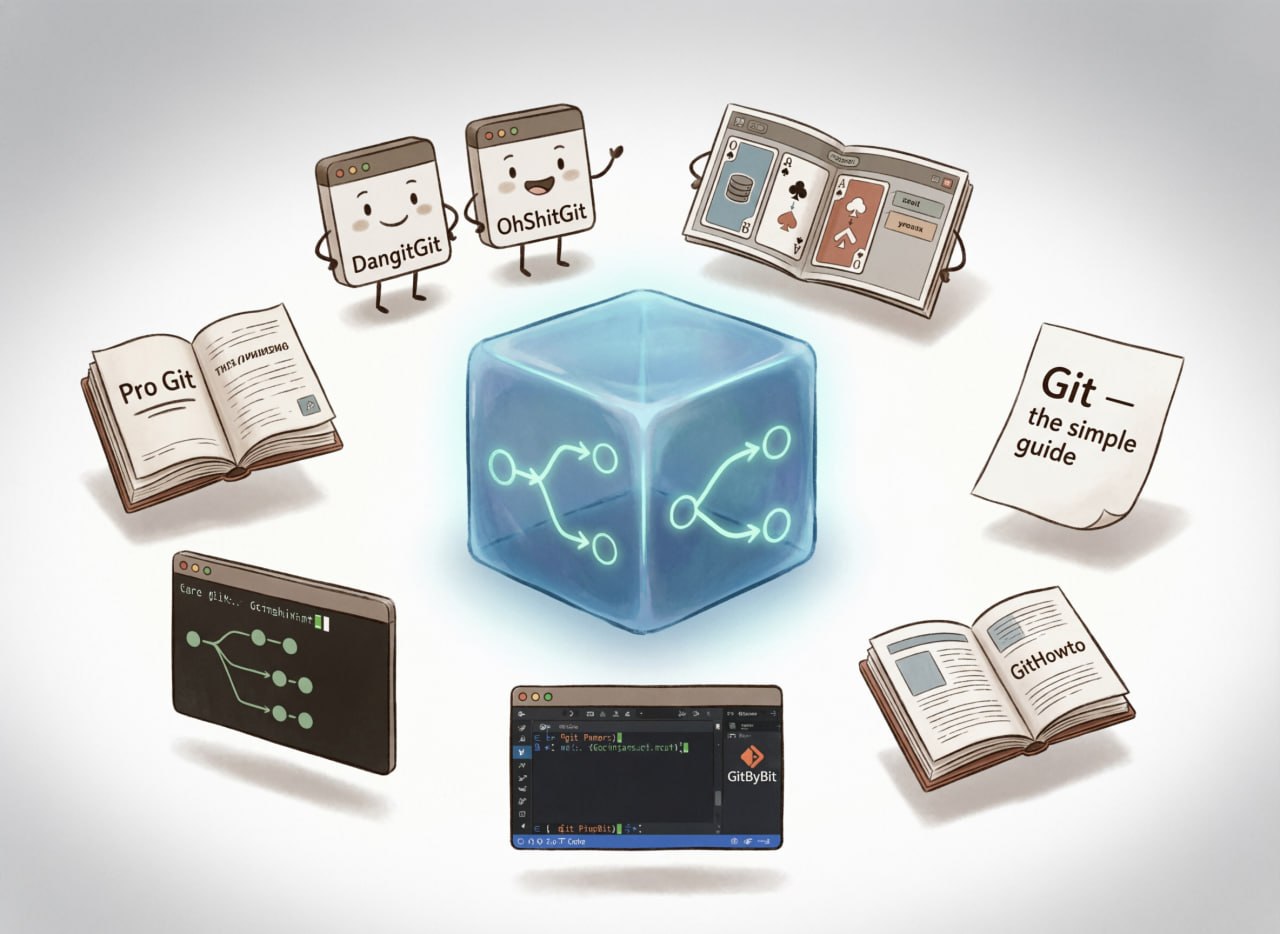
A collection of tools for learning Git 🧠
For most people, using Git boils down to add-commit-push. One step aside — and panic sets in. Here are resources to help you understand everything at a decent level 👇
1️⃣ Dangit, Git!?! and Oh shit Git!!!
The site (there are 2, slightly more and slightly less decent versions) outlines several common operations you're likely to encounter when working with Git. For example:
– Where is Git's magic time machine!?!
– I committed and remembered I forgot something!
– I accidentally committed something to master, but it should be in a new branch!
2️⃣ Oh, my Git!
An open-source card game (literally!). As you execute commands, the internal state of Git repositories is visualized in real time, allowing you to immediately see the results of your actions.
For more advanced users, there's also a built-in terminal if you prefer typing commands.
3️⃣ Pro Git
A fairly comprehensive educational book about Git by Scott Chacon, an active contributor to both Git and GitHub.
The material is quite extensive, from the very basics to rather specific topics. The book is written in simple language and contains plenty of examples and illustrations.
And there is a Russian translation!
4️⃣ Git - the simple guide
A very concise, simple, and clear guide to basic Git operations.
Only the most essential operations, no deep dives.
A good option for absolute beginners who need to quickly grasp the basics.
5️⃣ Learn Git Branching
An interactive tutorial on Git commands with concise theory followed by practice exercises with step-by-step instructions.
Gradual increase in difficulty and good visuals for demonstrating the state of repositories and their branches included.
6️⃣ GitByBit
The main feature: you learn directly in VS Code or Cursor. No "spherical repositories in a vacuum" — the course integrates into your editor, checks real commands in the terminal, and slaps your hands if you mess up. Ideal for building muscle memory. The basics are free.
7️⃣ GitHowTo
A step-by-step course in Russian. Guides you from installation to basic operations. Minimum fluff, maximum "do it yourself right now."
Admit it, who among you has ever deleted the project folder and cloned the repository again just to avoid dealing with merge conflicts? 🌝
#level_up
Comments
0No comments yet.