

🧑💻 How I Built a Website with Codex
I continue to share news about how my AI training is going.
Last week, I got deeply into vibe coding. For practice, I chose a real task — to create a landing page for my consulting services.
Previously, I had a page on Taplink, but I wasn't satisfied with the design, functionality, and monthly fee. So I decided to make my own website using Codex from OpenAI.
Why Codex? In my opinion, for such tasks it is almost as good as Claude, but costs less than $20 per month.
🙈 Step-by-step process for beginners
1️⃣ I found websites that I liked in terms of structure and design.
2️⃣ I prepared texts, photos, and links. I gave everything to Codex along with references.
3️⃣ In about 15 minutes, I got the first version of the site, which was already ready to publish.
4️⃣ Then I refined it through the chat: changed texts and headings, removed unnecessary blocks, adjusted the design.
5️⃣ I asked to adapt the layout for computers, tablets, and smartphones.
6️⃣ I created a repository on GitHub and uploaded the project there. After authorization, Codex can do this on its own.
7️⃣ I registered on Vercel, connected GitHub, and imported the project. Now, after each code change, the site updates automatically.
8️⃣ I bought a domain on Beget. In my case, it was cheaper than on Reg.ru.
9️⃣ I connected the domain to Vercel and configured DNS records that link the domain to the hosting.
After a while, the site became available on the internet.
Before publishing, it's also worth checking:
— the mobile version;
— buttons and links;
— contact forms;
— correctness of texts;
— HTTPS operation.
🚀 Advanced level
🔟 I checked the site via Page Speed Insight and got a report on loading speed.
1️⃣1️⃣ I passed the recommendations to Codex. It optimized the code, images, and page loading. After that, the site started opening noticeably faster on old phones.
1️⃣2️⃣ I asked for basic SEO optimization:
— set up page titles and descriptions;
— improve text structure;
— add image descriptions;
— create robots.txt;
— create a sitemap.
Additionally, it's worth connecting analytics, Google Search Console, and submitting the sitemap for indexing.
The first time, the whole process took me about 8 hours.
Any changes on the finished site take 1–5 minutes. Even if I decide to completely change the design, it's enough to describe the task in the chat. Codex will update the code, and Vercel will automatically publish the new version.
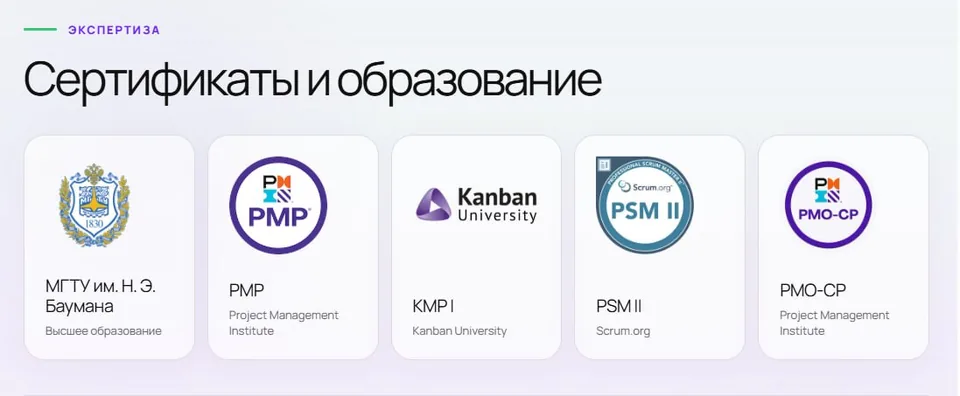
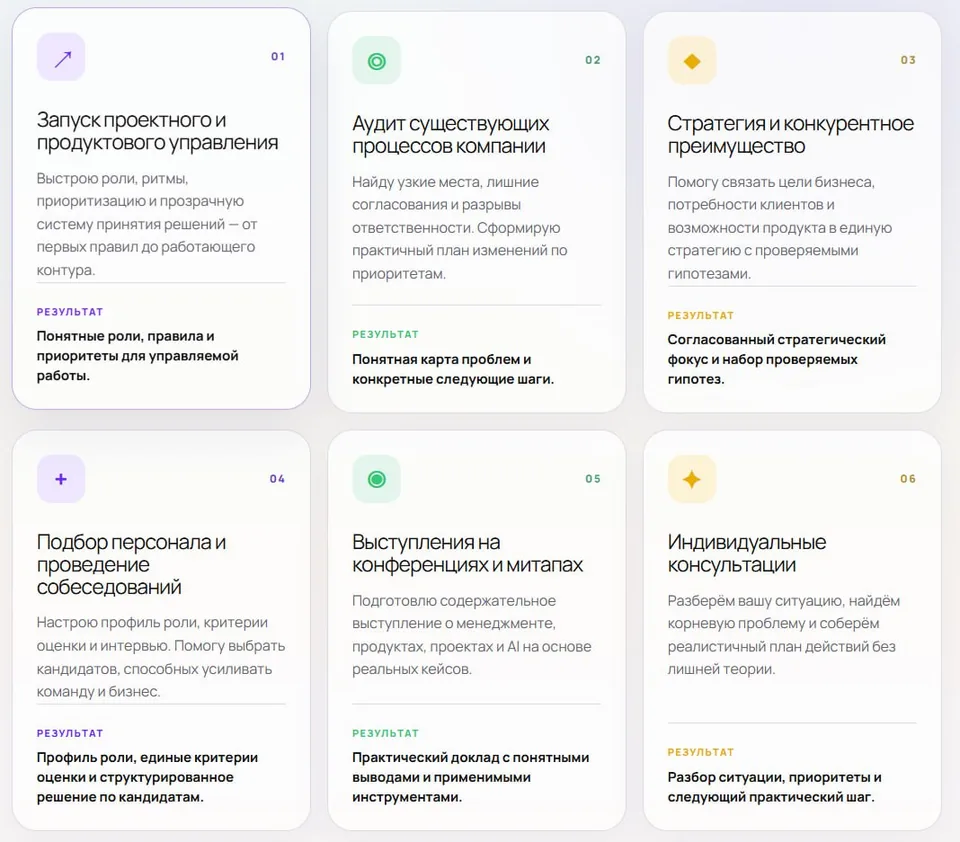
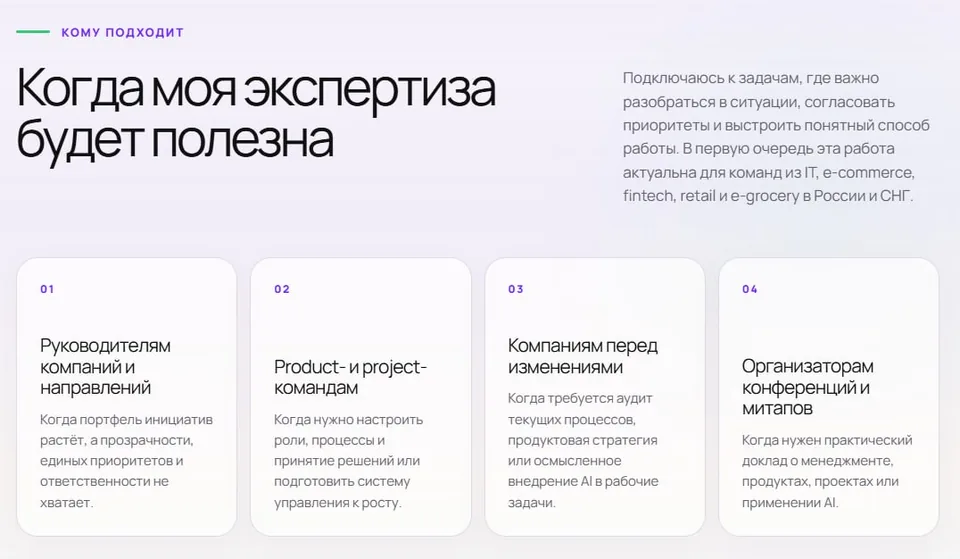
The result can be seen in the pictures above ☝️ Codex chose the font and icons itself.
Want to repeat this path — I recommend the vibe coding course. It's all the same, but with detailed video instructions:
👉 [link to course]
🎁 10% discount with promo code: IRESHEV
Comments
0No comments yet.
Sign in to join the discussion.