

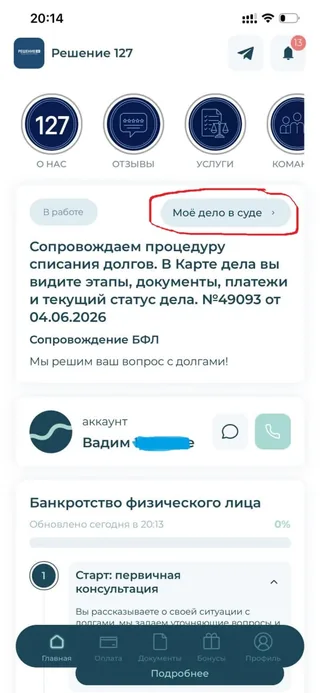
Field News: client went to check their case in Kadr Arbitr on their own.
About a week ago, we added a new option to the app: you can attach📌 a link to the arbitration case card to a client's case.
The idea is simple: the client opens the app at any time, clicks the link, and sees what's happening with their arbitration case without waiting for a call or screenshot from the lawyer.
Today we got the first telling result.📊
At 8:34, the lawyer added this link to the client's "Case Card" in the app for the client.📲
Just 6 minutes later, at 8:40, the system logged the client entering the app — they came in to check👀.
That is, the person didn't just get "another button" but immediately used the opportunity to check their case themselves.
For us, this is an important marker: when the link to the arbitration case card lives right inside the app, the client feels that:
- the needed information is always at hand 🔗;
- they can go in and check themselves, rather than waiting for someone to "tell them something" 🕰;
- the "Case Card" is not just chat and documents, but also a way to access official court case data with one click.
Such small improvements turn the Case Card from "just another service" into a real tool of peace of mind for the client: one click — and the client sees their arbitration process and understands what's happening with the case
Comments
0No comments yet.
Sign in to join the discussion.